Look up the code
Check an ICD-10 code and open the cited source.
The field app your team will actually use
Build the most efficient route in one click. Keep patient context and cited answers close. Call from the agency line. Finish key visit actions even when signal drops.
The most efficient stop order in one click.
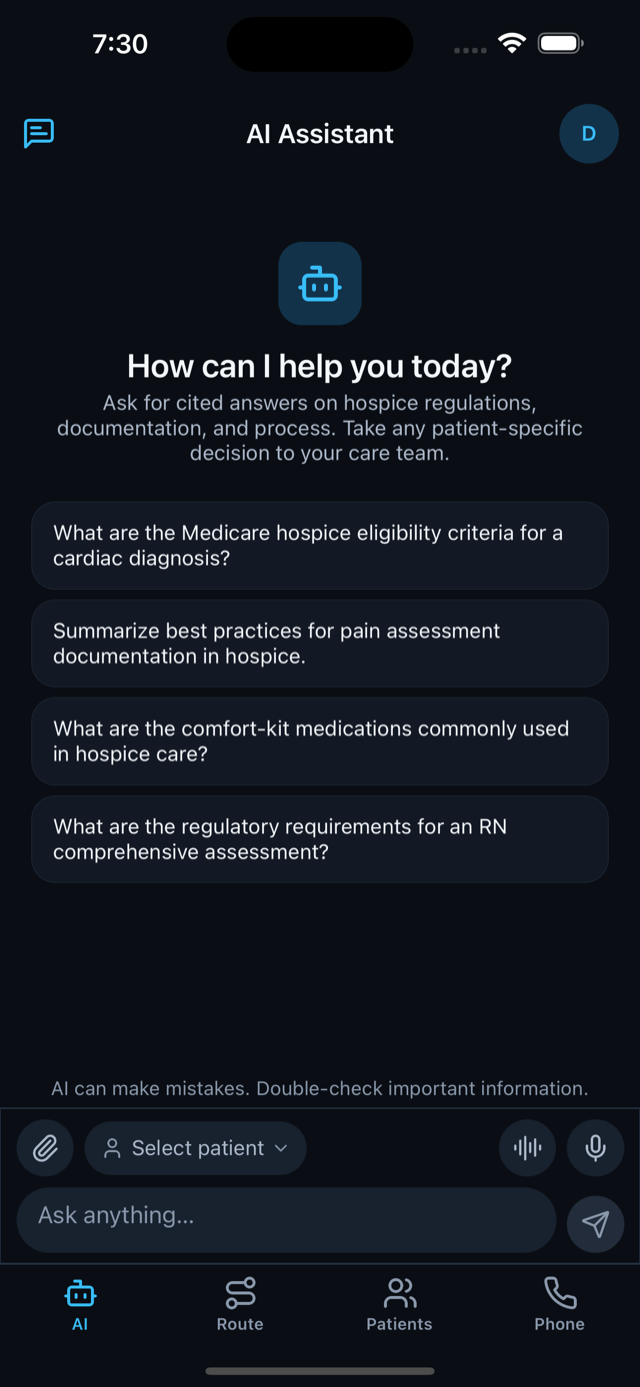
Patient documents, agency protocols, and cited references.
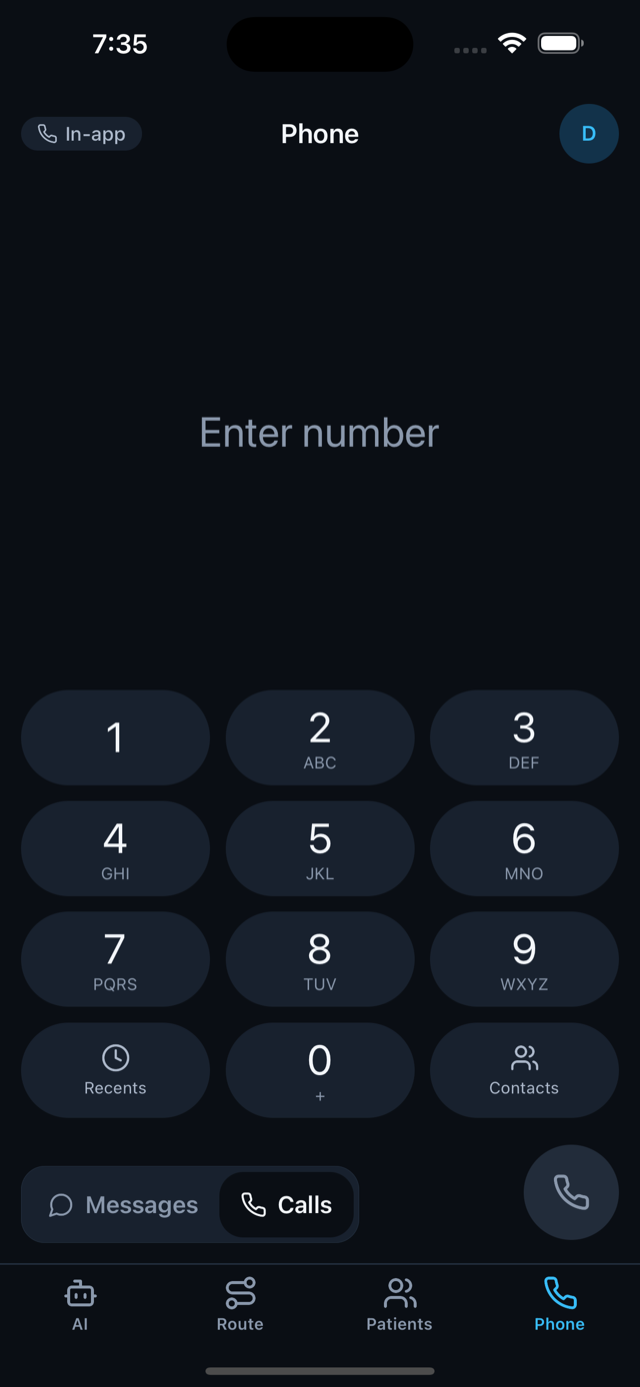
Calls and texts without exposing personal numbers.
Key field actions continue and sync when service returns.
Start with the road
Scheduled visits are already there. Tap Optimize, review the new stop order, and apply it. No separate route planner and no rebuilding the day by hand.
Patient context without the tab hunt
Choose the patient, ask the question, and keep the answer connected to authorized patient documents, active agency protocols, and the shared regulatory corpus.
Clinical reference in the flow of work
Look up, compare, simplify, and inspect sources from the same field workspace.
Check an ICD-10 code and open the cited source.
Move from the chart to a condition reference and recent literature.
Understand the distinction and why it matters for documentation.
Ask for a simpler explanation without starting over somewhere else.
The rest of the field day
Close the visit, reach the family, and keep essential work moving when connectivity is unreliable.
Visit follow-through
Generate the visit summary, review it, and mark the visit done.
Agency communications
Families see one number. The clinician’s personal number stays personal.
Field continuity
Route and assignment data can remain available on encrypted device storage. Visit status actions queue and sync when service returns.
Decision support, not autopilot. AI can make mistakes. Important information should be checked, and answers keep their sources visible so staff can do that quickly.
See the field day on your workflow
Bring one route, handoff, or visit workflow. We will show how HospiceOps connects it.
Request a workflow review